What the integrity check does
Once a day, WP Masquerade Pro computes a hash for every WordPress core file (the wp-admin and wp-includes folders, plus the root files) and compares it with the official list published by wordpress.org for your version and language. It sorts any differences into three groups:
- Modified files: their content no longer matches the original;
- Missing files: present in the official release but absent from your site (except readme.html, license.txt and wp-config-sample.php, which are often removed on purpose);
- Unknown PHP files in wp-admin or wp-includes: they are not part of WordPress.
Why it matters
A modified core file, or a PHP file added to wp-includes, is the usual trace of a hacked site: a backdoor, a hidden redirect, injected links. These changes often go unnoticed for weeks. A daily check lets you respond quickly.
What’s included Pro feature
- Daily scan via WP-Cron, plus a Scan now button.
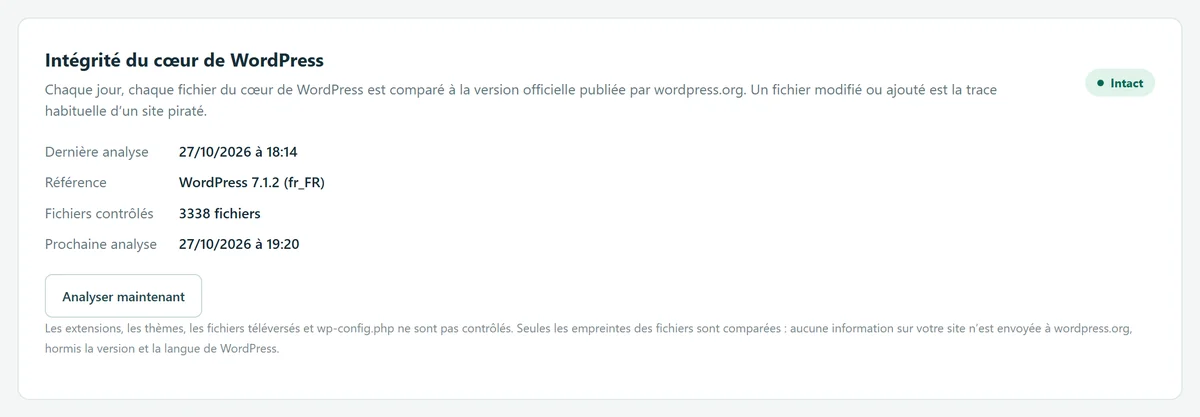
- Report in the Monitoring tab: date of the last scan, reference version, number of files checked, and the list of affected files, with a “New” label for differences that appeared since the previous scan.
- Next steps shown when there’s a problem: reinstall the core, deal with unknown PHP files, secure your accounts.
- Email alert as soon as the daily scan finds new modified or unknown files.
- Lightweight scan: it stops after 25 seconds so it doesn’t slow down the server, and tells you if the result is incomplete.
How to use it
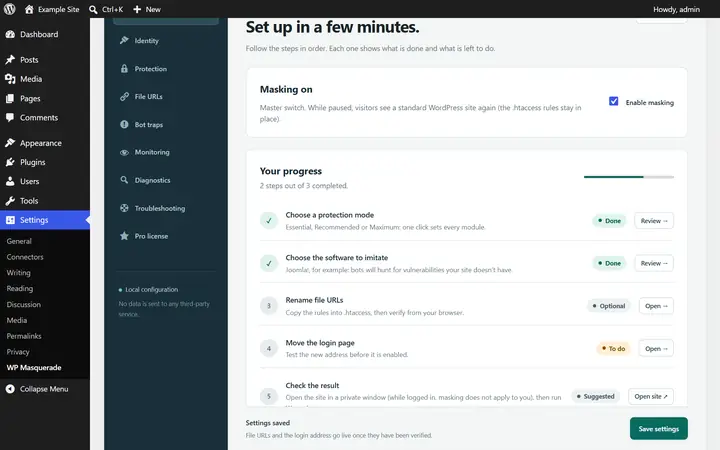
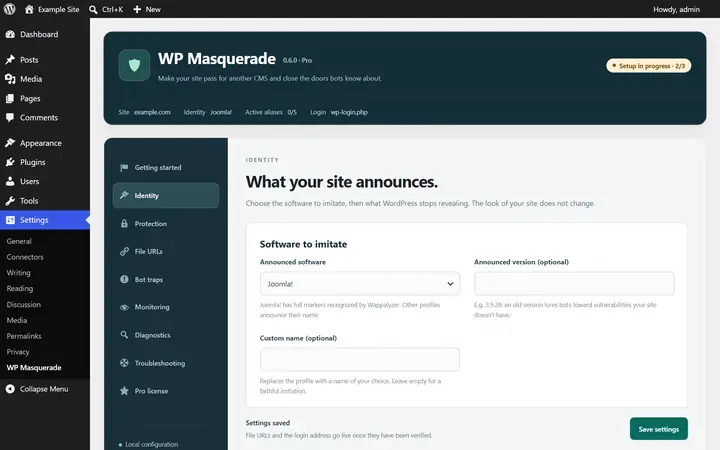
- Go to WP Masquerade → Monitoring (the mask icon in the admin menu). The first scan runs about an hour after Pro is activated; you can run it right away with Scan now.
- Status “Intact”: nothing to do.
- Modified or missing files: Dashboard → Updates → “Re-install version” replaces them without touching your content, plugins or themes.
- Unknown PHP files: reinstalling does not remove them. If you didn’t add them, they are very likely a backdoor: keep a copy for analysis, delete them or restore a clean backup, then change your administrator passwords and the security keys in wp-config.php.
Data sent
To get the official list, your site queries the public wordpress.org API with only your WordPress version and language. No files, no hashes and no other information about your site are sent: the comparison happens on your server. The list is cached for a week to avoid unnecessary requests.
Limits and precautions
- Core only: plugins, themes, uploaded files and wp-config.php are not checked. This module won’t detect a compromised plugin.
- It is not an antivirus: it spots core files that differ from the original, not malicious code in the database or in wp-content.
- If the server can’t reach wordpress.org, or if no list is published for your version, the scan shows an error and keeps the previous reference.
- A core you modified on purpose (manual patch, file added by your host) shows up as a difference: that’s expected.
- The scan relies on WP-Cron: if it’s disabled, set up your host’s task scheduler to run it.
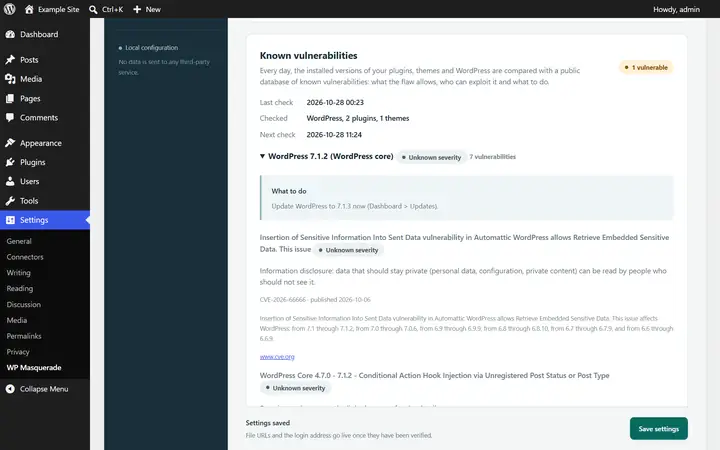
What about plugins? The integrity check covers WordPress core. For plugins and themes, Pro checks the installed versions against known vulnerabilities every day (data from WPVulnerability.net): see vulnerable plugin alerts.
Start free, upgrade to Pro when you’re ready
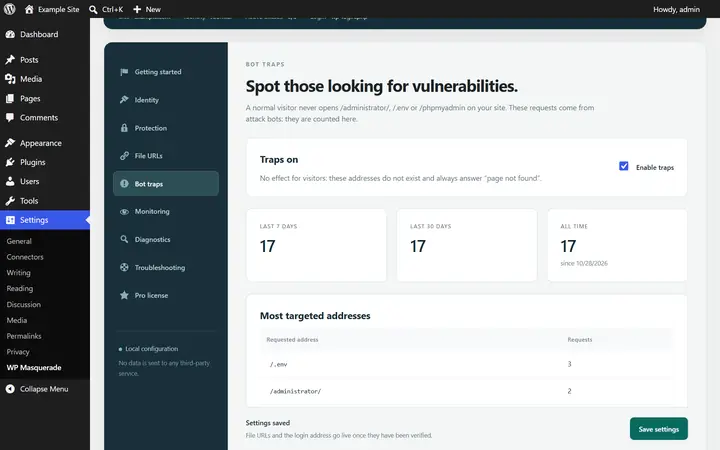
The free version already hides WordPress, moves the login page, blocks XML-RPC and counts bots. Pro locks down logins, renames file URLs and monitors your sites for you: known vulnerabilities, core integrity, activity log, email alerts and the update status of all your sites in your member area. From €59 per year excl. tax, far less than the cleanup offers whose prices we checked. Compare the costs.