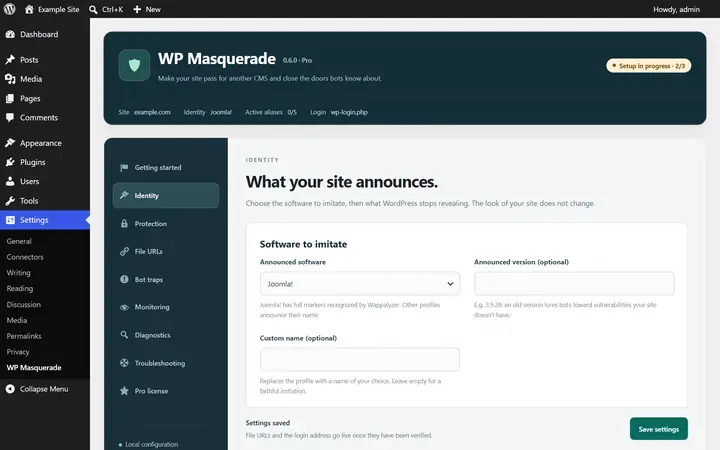
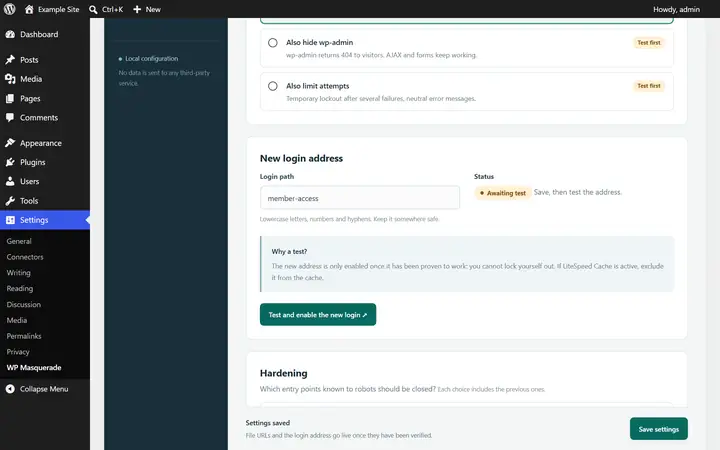
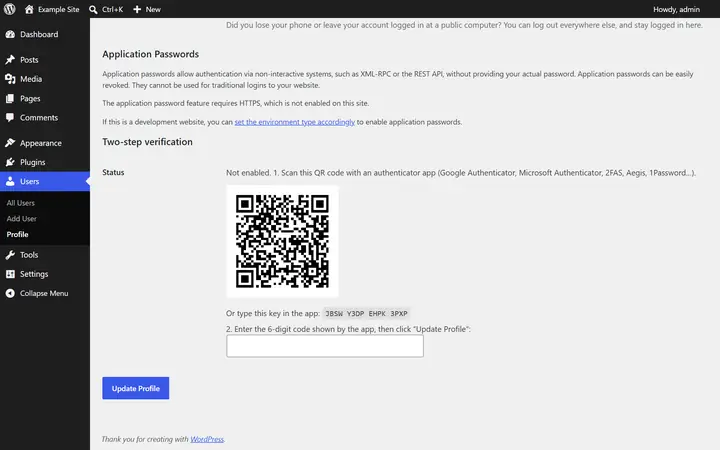
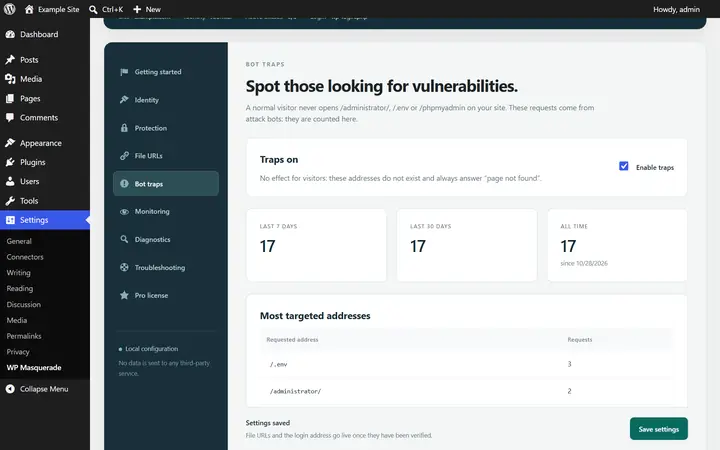
A brute force protection plugin for WordPress has to slow down bots that try thousands of passwords, without locking out your users. With WP Masquerade Pro, login attempt limiting comes on top of the moved login page, XML-RPC blocking and two-factor authentication: bots find fewer doors, and the ones left close after a few attempts.
For the definition, see brute-force attack. To recognize these attacks in your logs, read how to spot and stop a brute force attack on WordPress; to tune thresholds and durations yourself, see how to limit login attempts on WordPress.
What attempt limiting does
After a number of failed logins that you choose, the network address involved is blocked for a set period. Error messages become neutral (“Unable to log in. Check your details or try again later.”), so a bot can no longer tell whether a username exists.
Why it helps
Brute-force attacks try thousands of username and password combinations. Limiting slows them down dramatically, while still leaving room for a human who makes a typo.
Settings Pro feature
| Setting | Values |
|---|---|
| Allowed failures | 3 to 30 |
| Lockout duration | 1 to 60 minutes |
Limiting kicks in at level 4 of the Hardening module or the Login page module: both use the same mechanism and don’t double-count. Incorrect two-factor authentication codes count too.
Locked out by mistake? The Unblock me button, in the Troubleshooting tab, releases your current IP address.
Privacy
The counters use a hash (HMAC) of the address, never the plain IP address. They expire after the duration you set and are cleaned up by an hourly WordPress task.
Limitations and precautions
- Several users on the same network (office, school) share one address: adjust the threshold accordingly.
- X-Forwarded-For headers sent by the client are ignored. Behind a proxy or CDN, ask your host to restore the real address; otherwise, every visitor shares the proxy’s counter.
- If WP-Cron is disabled, make sure your hosting scheduler runs it.
- Limiting applies to logins that go through WordPress’s standard mechanisms. It’s not network traffic rate limiting, nor a sufficient defense against a distributed attack.
Behind Cloudflare, every request appears to come from Cloudflare’s servers. Pro then uses visitors’ real IP address, sent in the CF-Connecting-IP header and accepted only from Cloudflare’s official addresses, for login attempt limiting and banning. See Cloudflare support.
Brute force protection: frequently asked questions
Does the free version protect against brute force attacks?
Partly. It moves the login page (wp-login.php returns a 404) and blocks XML-RPC, the two targets bots go after most. Login attempt limiting and two-factor authentication are Pro only.
Do I also need a plugin like Limit Login Attempts Reloaded?
No. Two limiters counting the same failures add nothing and make unblocking harder. If another plugin already limits your logins, leave that feature to only one of the two.
Does limiting stop a distributed attack?
Not entirely: an attack spread over thousands of IP addresses stays below the threshold for each one. Two-factor authentication and unique passwords are the real defense; a firewall at your host or at Cloudflare filters upstream. Our WordPress security plugin comparison presents the options.
Start free, upgrade to Pro when you’re ready
The free version already hides WordPress, moves the login page, blocks XML-RPC and counts bots. Pro locks down logins, renames file URLs and monitors your sites for you: known vulnerabilities, core integrity, activity log, email alerts and the update status of all your sites in your member area. From €59 per year excl. tax, far less than the cleanup offers whose prices we checked. Compare the costs.